HVAC After Hours Answering Service for Nights and Weekends
Our HVAC after-hours answering service takes messages and routes urgent calls when your office is closed. Try a late-night no-heat call in the browser demo, then hear how your receptionist handles a tune-up request.
A 14-day free trial on request, up to 100 minutesPrivacySecurity
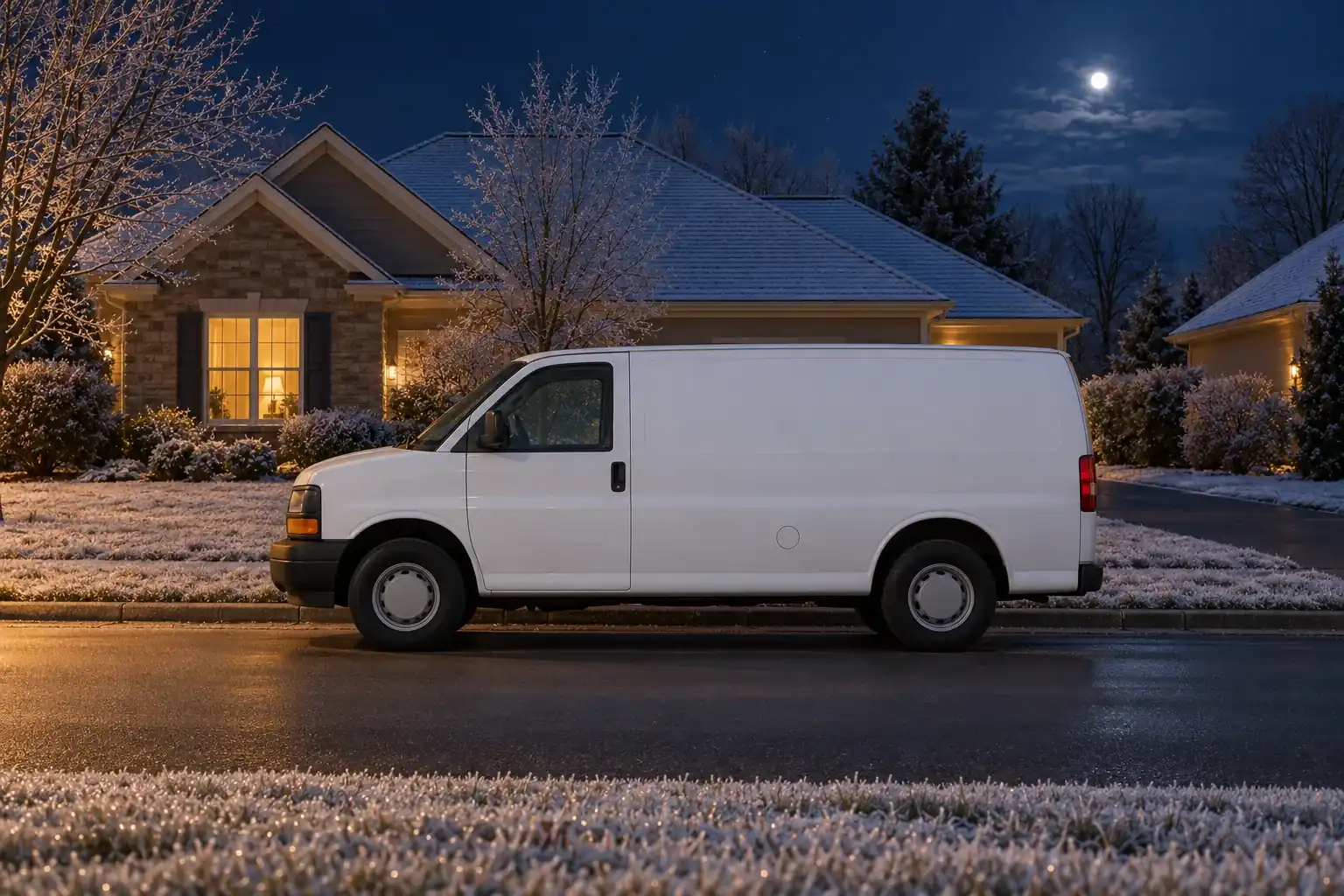
After-hours calls need an answer before the office opens
A caller without heat at bedtime needs a different response from someone planning spring maintenance. Your receptionist collects the situation now, so your shop can choose the right next step.
Capture the problem
Get the address, callback number and reason for calling overnight.
Use your boundaries
Set which services and locations your shop handles after hours.
Prepare the callback
Give your morning crew a summary of what the caller needs.
More detail
After-hours coverage gives a waiting caller a way to explain the problem before your office returns. A furnace that stopped heating, a noisy outdoor unit and a request for next month's tune-up deserve different handling. You tell your receptionist which situations warrant waking your on-call person.
We learn your service area, hours and urgency rules during onboarding. Your receptionist answers as your business, while identifying itself as a virtual assistant and announcing the recording at the start. It collects the details your crew needs instead of promising a truck or an arrival time you have not authorized.
Try the overnight scenario in the browser call demo to hear the questions before you decide how to forward your number. Check which details would help your tech decide whether to take the call.
Sort no-heat emergencies from calls that can wait
Your receptionist uses your urgency rules to separate overnight service needs from morning callbacks. It asks about the problem and circumstances, then routes the call or records the request for your office.
No heat
Collect the caller's situation and apply your shop's overnight escalation rules.
No cooling
Ask for the details your on-call person needs before taking over.
Routine maintenance
Book a tune-up in Google Calendar or take a callback request.
More detail
Sorting starts with what the caller reports and the instructions you give us. During onboarding, explain what makes a no-heat or no-cool call urgent for your shop. Include the questions you want asked about the home, occupants and equipment, plus any service-area limits.
A caller with an elderly parent at home may need a different escalation from someone asking to schedule a routine filter visit. Your receptionist gathers that context and follows your rule, without diagnosing a failed component over the phone. Tune-up requests can become Google Calendar appointments or messages for a morning callback.
Use the emergency dispatch guide to review what happens when a call meets your urgent criteria. Safety calls follow their own instructions before any service discussion.
Send urgent calls to the on-call tech with the details
Urgent calls follow the contact order you set, using a warm transfer or a page. Your on-call person can hear a short summary before pressing 1 to accept a transferred call.
Set the order
Tell your receptionist who should receive urgent calls and who follows.
Hear the context
A warm transfer gives your tech a short summary before acceptance.
Read the record
Email and app push alerts include the summary, transcript and recording.
More detail
Your on-call person receives the problem details through the route you choose. With a warm transfer, they hear a short summary and press 1 to take the caller. If you choose paging, your receptionist pages them according to your contact order.
Set that order around your actual coverage. A weekend shift may use a different contact from a weekday evening, so tell the AI when your instructions change. Run a test call before forwarding customer calls, including a situation that should reach the on-call person.
Each call also produces an email and app push notification with an urgency tag, summary, transcript and recording. The alert lets your tech review what was said, but sending an alert does not confirm that someone has accepted the job.
Gas smells and CO alarms get safety instructions first
For a gas smell or CO alarm, your receptionist tells the caller to get everyone out and call 911 or the utility from outside. It then alerts your on-call tech without offering repair steps.
Leave the house
The safety script puts getting everyone out ahead of service intake.
Call for help
Say: get everyone out and call 911 or the utility from outside.
Alert your tech
Pass along the reported hazard without giving troubleshooting or repair instructions.
More detail
Safety handling starts by directing the caller to get everyone out and call 911 or the utility from outside. Your receptionist then alerts the on-call tech with the reported problem. It does not give repair steps or replace an emergency service.
Your shop still needs the reported location and callback details for its own follow-up. The call summary, transcript and recording let your tech review what the caller said. That record helps your team understand the request before speaking with the homeowner.
The fictional gas-smell scenario in the demo lets you hear this sequence. Listen for the safety instruction before routine intake or a discussion of service.
Keep heat-wave and cold-snap calls organized
When seasonal demand fills your phone lines, your forwarding settings determine which calls reach your receptionist. It gathers the problem, flags urgency and sends details your crew can use to plan callbacks.
Choose the overflow
Forward busy or unanswered calls while your office handles other callers.
Collect useful details
Record the location and symptoms before your crew makes a callback.
Keep urgency visible
Review tagged call summaries alongside transcripts and recordings in your dashboard.
More detail
Overflow handling starts with forwarding busy, unanswered or after-hours calls to your receptionist. A hot afternoon can bring repair requests, maintenance questions and price shoppers into the same queue of work for your office. The receptionist gathers each caller's request and applies your urgency and price policies.
It does not create more technician capacity. Your shop still decides which work it can take and when a truck can go out. Clear instructions help the receptionist avoid promising an appointment or service response outside the rules you supplied.
For a 24 hour HVAC answering service setup, you can instead forward all calls, including daytime calls. Check summaries, urgency tags and usage in your dashboard, then adjust your instructions as the weather and your staffing change.
Compare the plan with staffing an overnight phone shift
Our plan costs $249 per month with 500 AI minutes included and $0.20 per extra minute. Compare that usage model with the coverage and judgment you need from a person on the phone.
Count call minutes
Review included time and overage usage when estimating your coverage needs.
Value staff judgment
A person can help with situations that need discretion beyond instructions.
Test actual handling
Request a free trial to hear how your shop's overnight rules work.
More detail
The useful comparison is the work you need covered during the hours your office is closed. Our monthly plan uses AI minutes, with extra time billed at $0.20 per minute. A person can bring judgment, personal familiarity and flexibility to an unusual customer situation; our receptionist works from the business information and rules you provide.
Check the plan and upcoming trial details against your expected call time, including seasonal peaks. Request a free trial lasting 14 days, capped at 100 minutes, with a card required before forwarding goes live.
You can request a free coverage trial after testing the demo. The subscription runs month to month, and online cancellation takes effect at the end of the paid month.
Frequently asked questions
Can I use this as a 24 7 HVAC answering service?
Yes. Forward all calls for day-and-night answering, or choose only busy, unanswered or after-hours calls. Your receptionist uses the same shop information throughout that coverage. You keep your business number and use the forwarding guide to set the route, then make a test call before going live.
Can it dispatch my on-call tech on weekends and holidays?
Your receptionist can warm-transfer an urgent call or page your on-call person using the order you set. For a warm transfer, the tech hears a short summary and presses 1 to accept. Give us your weekend and holiday instructions so calls follow the coverage your shop has arranged.
Does it know a no-heat call from a tune-up request?
It asks intake questions and applies the urgency rules you supply for your business. A no-heat report gets the context your shop wants collected; a tune-up can become a booking or callback request. Your team makes service decisions from those details, rather than relying on a phone diagnosis.
Will a late-night caller know it is AI, and is the call recorded?
The greeting identifies your receptionist as a virtual assistant and tells the caller the call is recorded. That notice is always on. Your email and app push alert includes the summary, urgency tag, transcript and recording, so your on-call person can review what the caller reported.
Can it quote our after-hours diagnostic fee?
It follows the price policy you provide, whether that means stating an approved diagnostic fee, using a range you supplied or taking details without a quote. Tell it what applies overnight and on holidays. The receptionist does not invent a repair price when the caller asks what the job will cost.
Can I test an overnight call before paying for a plan?
You can try the browser demo without signing up, including the fictional late-night no-heat scenario. Request a 14-day free trial, capped at 100 minutes, to test your own business rules. A card is required before call forwarding goes live, and setup includes a test call.
What if someone reports a gas smell during the night?
Your receptionist tells the caller to get everyone out and call 911 or the utility from outside, then alerts your on-call tech. It does not provide repair steps or assess whether the building is safe. The same safety-first sequence applies to a reported CO alarm.
How do I review calls that waited until morning?
Each call sends an email and app push notification containing its summary, urgency tag, transcript and recording. You can also review calls in the dashboard and use the daily digest email to catch up. Those records give your office the caller's request before starting the morning callbacks.
Try a no-heat call in the browser demo
Tell the demo your heat stopped after the office closed. Hear the intake and urgency handling, then request a free trial to test your shop's own instructions.