HVAC Virtual Receptionist for Your Daytime Call Work
Our HVAC virtual receptionist books appointments and takes customer requests while your office and techs handle the day's work. Try the browser demo to hear a tune-up booking, a rescheduling request or a price question.
A 14-day free trial on request, up to 100 minutesPrivacySecurity
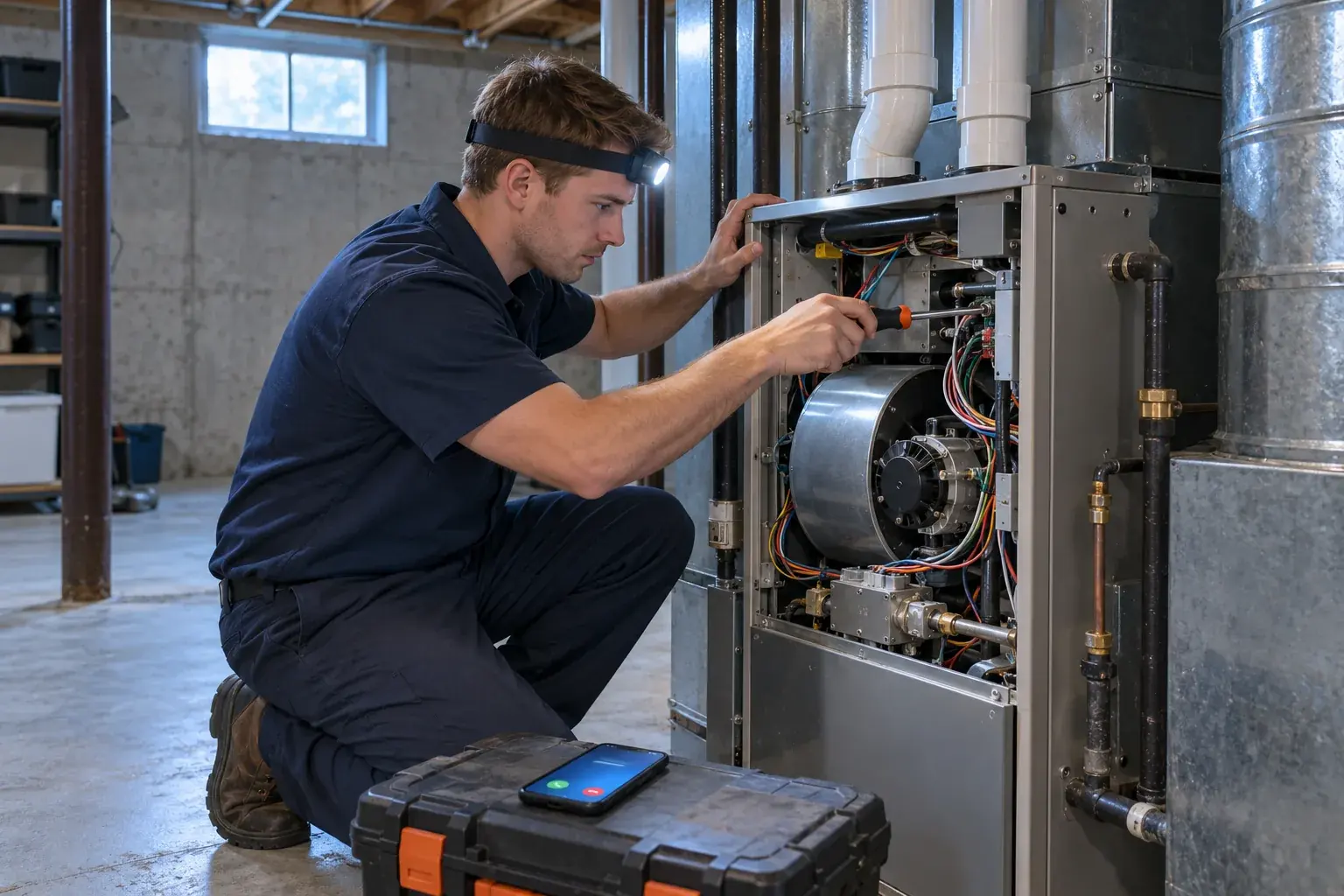
What a virtual receptionist adds to message taking
Our virtual receptionist handles intake, approved price questions and Google Calendar bookings as well as messages. Compare those tasks when choosing coverage, because the service label alone does not tell you what happens on calls.
Handle the request
Collect service details, answer from your instructions and book approved appointments.
Keep office control
Choose callbacks when your staff should decide the next step.
Know the difference
Judge coverage by its actual call tasks, rather than its name.
More detail
The difference that matters is how far the call gets before your office takes over. For our service, that can mean collecting repair symptoms, answering from your shop information and booking an appointment into Google Calendar. You can also choose message taking when your office needs to arrange the visit itself.
The labels virtual receptionist and answering service are less useful than a test conversation. Ask for a tune-up, change the subject to a service-area question and listen to what gets recorded. A staff receptionist brings personal knowledge of customers and the judgment to handle exceptions; your AI receptionist follows the instructions you give it.
Use the AI and live answering comparison to think through which work belongs with your office and which calls you want covered. Write down which requests still need a person to make the final decision.
Book tune-ups and take repair requests during busy hours
Your receptionist can book visits into Google Calendar or collect the details for your staff to call back. You set the services, service area and booking instructions it uses during intake.
Tune-up bookings
Collect the service request and book using your Google Calendar instructions.
Repair intake
Record the problem and apply urgency rules before choosing the next step.
Schedule changes
Take rescheduling details so your office can confirm changes to existing visits.
More detail
Booking coverage lets a tune-up request move forward while your office is helping someone else. Your receptionist asks the intake questions you set and books into Google Calendar when that is your chosen workflow. If you prefer to assign visits yourself, it takes the details for a callback instead.
Repair calls need enough context for your crew to act. Tell the receptionist which questions to ask and which reports should reach the on-call person. An existing customer who wants a different day can leave the current appointment details and preferred change for your office to confirm.
That rescheduling request is a message for your team, not a claim that an existing job has been changed in your dispatch software. Review the appointment booking workflow before deciding which visits to book directly.
Record member status and existing customer requests
Your receptionist can ask whether the caller is an existing customer or maintenance-plan member and record the answer. Your office checks the account and applies any benefits before confirming work that depends on membership.
Ask about membership
Include the caller's reported plan status in the intake questions.
Capture the history
Record what the caller says about earlier visits and current problems.
Leave verification clear
Your office checks account details before confirming member benefits or coverage.
More detail
Member handling begins with a clear question, not an assumption about the caller's account. Add membership status to your intake instructions and tell your receptionist what your office needs in the message. A caller can explain that a maintenance visit is due or that a problem has returned after a recent repair.
The receptionist records that information as the caller reports it. It does not look up a customer record or verify that a plan is active. Your staff can check the account before confirming benefits, priority or a particular charge.
This gives the callback a useful starting point: who called, what they requested and what they said about their relationship with your shop. Use plain instructions about what to collect rather than asking the receptionist to promise unverified member treatment.
Answer price questions using your shop's policy
Your receptionist follows the price policy you supply, from an approved diagnostic fee to taking details without quoting. It records what the shopper needs so your team can follow up with the right context.
Use approved language
State your diagnostic policy or the price ranges you supplied.
Collect the request
Ask what equipment or service the caller wants help with.
Keep quotes grounded
Take a callback message when the answer needs your team's judgment.
More detail
Price questions get the answer your shop authorizes during onboarding. If you do not quote repairs by phone, your receptionist explains that policy and takes the problem details. If you provide a diagnostic fee or approved ranges, it can use those instead of making up a number.
A new-AC shopper may ask for a firm replacement quote before sharing anything about the job. Your receptionist can collect the request and callback information so your team can decide how to proceed. It should not turn a general price question into a promise about equipment, installation scope or final cost.
Try the price-shopper demo scenario with a question your office hears regularly. Listen for whether the conversation respects the price boundary while still giving your staff a useful lead to answer.
Route warranty and parts questions to your office
Warranty coverage and parts availability questions become messages for your team to check. Your receptionist collects what the caller reports instead of confirming coverage, a replacement part or a delivery date it cannot verify.
Warranty requests
Capture the reported issue and the coverage question for your staff.
Parts questions
Record the equipment details the caller can provide for your callback.
Return calls
Give your team the request without promising approval, stock or arrival dates.
More detail
Warranty and parts calls need a message your office can investigate. Tell your receptionist which details to ask for, such as the equipment information the caller has and a description of the problem. It records the request and callback number so your team knows what to check.
A customer may say a repair should be covered, or ask whether a particular part has arrived. That statement belongs in the message as a customer report. Your receptionist does not have a live warranty record or parts inventory to confirm the answer.
Your staff can review the transcript before returning the call, then check the relevant records or supplier information. If the same caller also reports an urgent service problem, your urgency instructions still determine how that part of the call gets routed.
A normal Tuesday, from the first tune-up to the last callback
Your receptionist covers forwarded calls while your crew works, collecting requests your office can act on. Here is a fictional Tuesday showing booking, price-policy handling and callback intake using the same business instructions.
Morning tune-up
Book an approved Google Calendar appointment while your office handles another caller.
Midday question
Use your price policy when a shopper asks about replacing equipment.
Afternoon follow-through
Review messages and call details before returning customer and warranty requests.
More detail
A fictional Tuesday starts with a tune-up request while your office is on another call. The forwarded caller reaches your receptionist, hears the virtual-assistant and recording notice, and gives the information needed for a Google Calendar booking. Your office receives the call alert by email and app push.
At lunch, a homeowner asks what a replacement system costs. The receptionist follows your no-phone-quote policy and takes the details for your callback. Later, an existing customer requests a different appointment day; your staff gets the request to review and confirm.
Before closing, your office checks summaries, transcripts and recordings in the dashboard. You can see the setup steps and request a free trial for your shop to test those handoffs using your own service area and instructions.
Frequently asked questions
Can I keep my business number and only forward overflow calls?
Yes. You can forward calls only when your number is busy or unanswered, or send all calls to your receptionist. We provide a local number and a forwarding guide for your carrier or phone system. Make a test call before switching on the coverage you want for your office.
Can it book appointments while my techs are on jobs?
Your receptionist can book appointments into Google Calendar using the business and booking instructions you provide. It can also take details for your callback if your office needs to assign the work. Choose the workflow during setup, then test a tune-up request before sending customer calls through it.
Can it reschedule an existing customer's visit?
It can take the customer's current appointment details and requested change for your team to review. Your office confirms the change in its own schedule. That keeps the request available for follow-up without suggesting that the receptionist has edited an existing job in your field-service software.
Can maintenance-plan members go first?
Your receptionist can ask callers about membership and include their reported status in the message. Your team checks the account before deciding priority or confirming benefits. Supply the questions you want asked, but keep membership verification with your office because the receptionist does not look up your customer records.
Does it work with the dispatch software my office uses?
Direct software connections are not live at launch. Your office receives call summaries that it can enter into its own system, along with transcripts and recordings for reference. Google Calendar appointment booking is available separately. Direct connections to other business software are planned based on demand.
How does it handle a question that needs an office decision?
Your receptionist uses your business information and instructions to answer routine questions. When a request needs your office to check a record or make a decision, it takes a message for your callback. Give it clear boundaries during onboarding, especially for warranty, membership and price questions.
Can a caller switch to Spanish during the conversation?
Yes. Your receptionist speaks English and Spanish, and a caller can switch languages during a call. The same shop instructions guide intake, booking and urgency handling. You can hear the Spanish-speaking caller scenario in the browser demo before deciding which calls to forward to your receptionist.
How do I teach it my shop's rules and change them later?
Setup uses a 10-15 question onboarding chat and your website to learn your services, service area, hours, price policy and urgent contacts. You change settings by telling the AI in plain words. Check the result with a test call, especially after changing booking or escalation instructions.
Try your next tune-up call in the demo
Ask for a maintenance visit while you picture your crew out on jobs. Hear the booking questions, then request a free trial to test your own office instructions.